
Import from anywhere
Instagram, Facebook, TikTok, YouTube and about 95% of recipe websites. Share it straight to BromeoCook or paste the link, and our AI does the rest.
Save recipes from Instagram, Facebook, TikTok, YouTube, any website or even your grandma’s cookbook. Plan the week, shop smarter and cook without the chaos.
Instagram, Facebook, TikTok, YouTube and about 95% of recipe websites. Share it straight to BromeoCook or paste the link, and our AI does the rest.
Snap a photo of a cookbook page or grandma’s handwritten card and get a tidy digital recipe.
No picture? Take your own, or let BromeoCook create a mouth-watering photo (Premium subscription).
Plan meals for the week or the whole month and get a friendly reminder when it’s time to cook.
Add all ingredients at once or one by one — with exactly how much each recipe needs, sorted by aisle.
Cooking for 2 or for 10? Every amount adjusts. Switch between grams, ounces, cups and °C/°F.
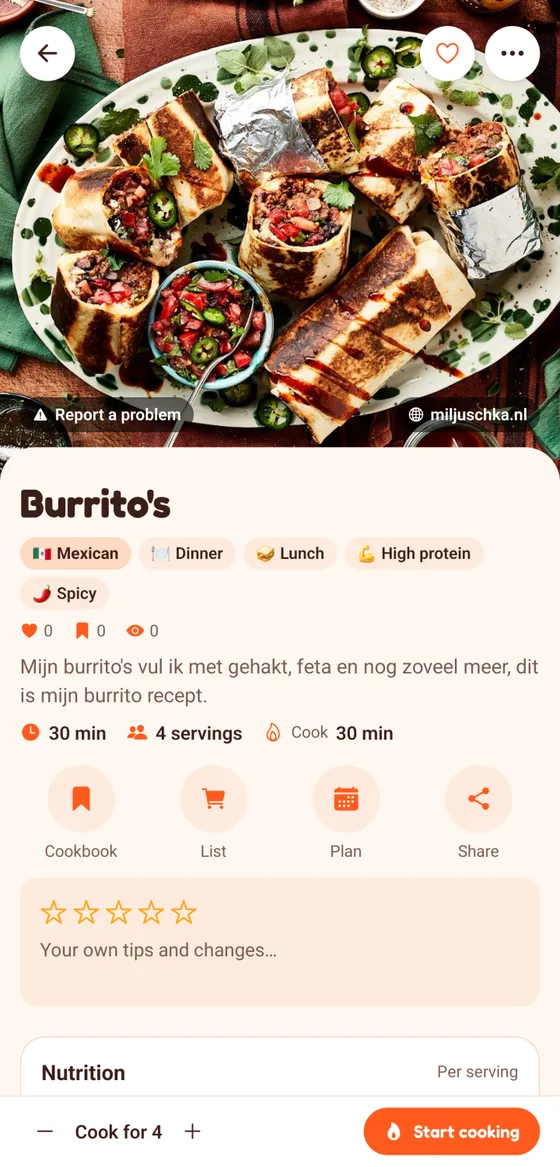
Big step-by-step view with timers pulled from the recipe, and your screen stays on.
Create your own recipes with photos per step, share them with friends or with the whole community.
Recipe videos from YouTube, TikTok and more play right inside the recipe.
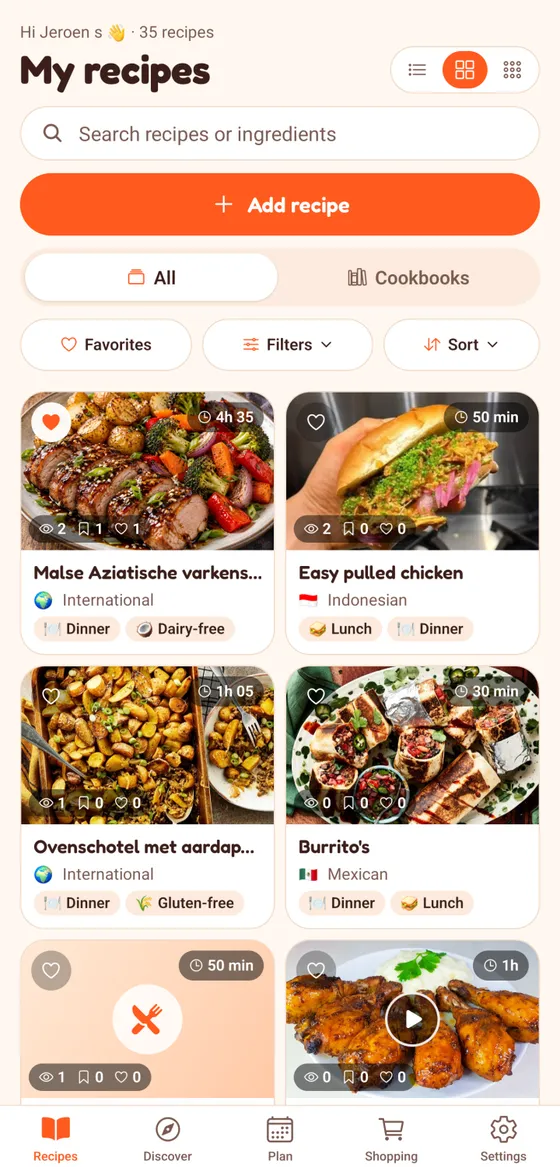
Find recipes from other home cooks by cuisine, meal and diet, save your favourites and leave a review.
Group recipes in your own cookbooks and see calories, protein, carbs and fat for every recipe.
Share your friend code: for every friend who subscribes for 2 months or more, you get a month of Premium free.

You spot something delicious on Instagram or TikTok. One tap and it’s a real recipe in BromeoCook, with ingredients, steps and timers. Plan it for tonight, put the ingredients on your list and cook it step by step. No screenshots, no scrolling back through videos.
Start cookingShare or paste a link, or take a photo. BromeoCook turns it into a clean recipe — no life stories, no ads.
Drop it in your cooking calendar and add the ingredients to your shopping list in one tap.
Open cook mode: big steps, built-in timers and a screen that stays on while your hands are messy.
Hold your phone upright or turn your tablet sideways — BromeoCook adapts. Log in on the website with the same account and all your recipes are right there.
You start with a free week of Premium. After that you can keep viewing, writing, planning and cooking for free; importing and the AI features are part of Premium (monthly or yearly).
Yes. Sign in at app.bromeocook.com with the same account: your recipes, calendar and shopping list are all there.
Nothing renews automatically and you pay nothing. Your recipes stay; to keep importing, choose a subscription in the app.
Yes, with a link via WhatsApp or any other app. People without BromeoCook can view the recipe too.
Create your account, get a free week of Premium and import your first recipe in under a minute.
Open BromeoCook